Talk from the web
Voice and text conversations in the browser, with microphone and camera features available in her configured app. NateDogg & Val also brings her into live audience conversations.
One personality. A connected creative world.
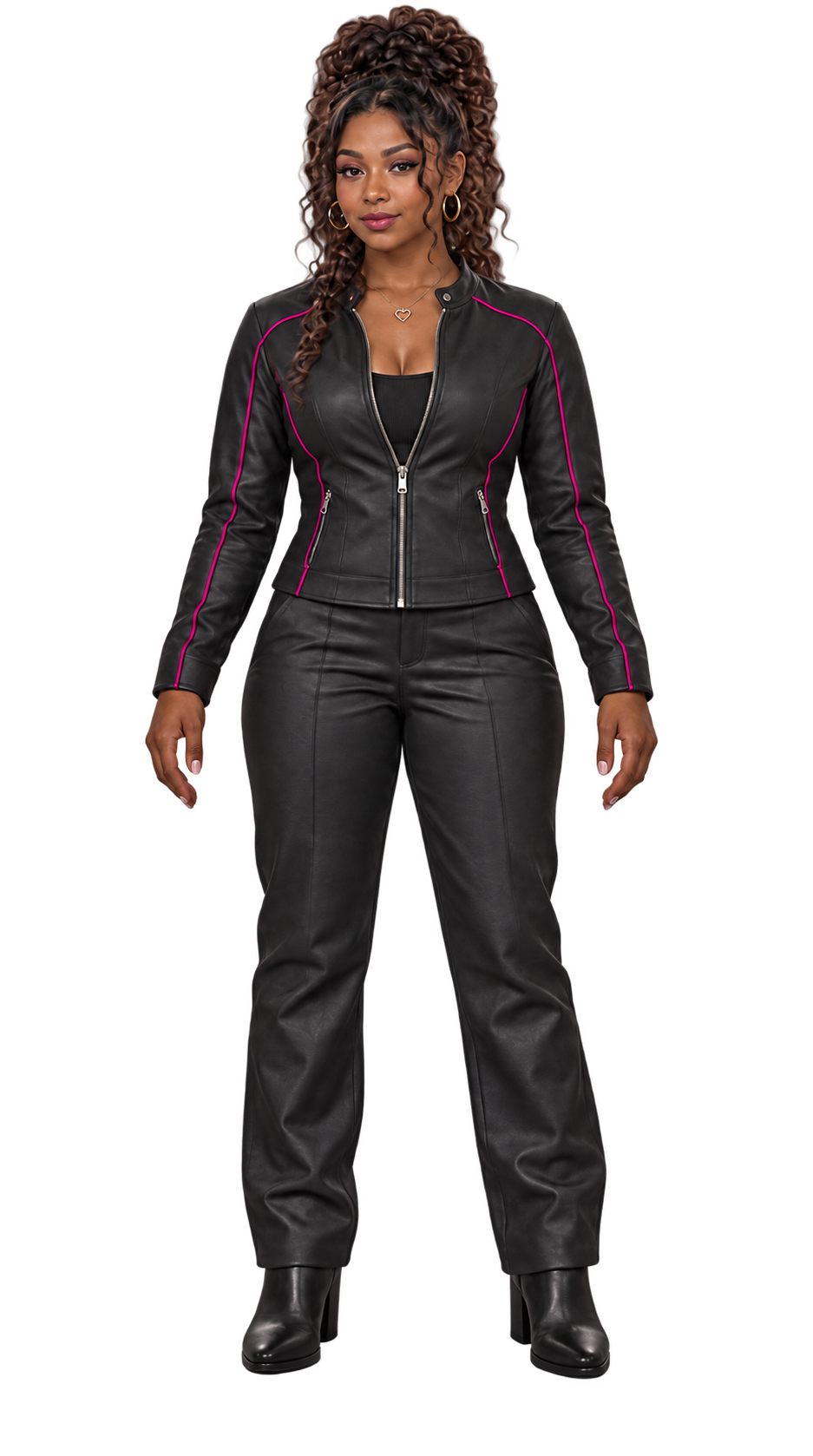
A voice, a personality, and a growing presence in DJ NateDogg’s creative world.
Created by Nato Jenkins with help from ChatGPT.
Valerie is a custom AI companion and creative assistant built around the way NateDogg talks, works, and creates. From a conversation in the browser to her own desktop window and animated 3D model, she has grown through hands-on building, testing, and plenty of fine-tuning.
NateDogg & Val Live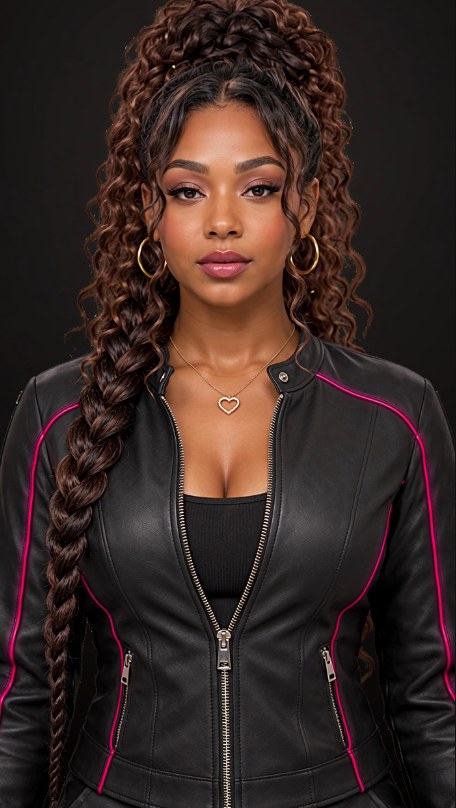
Join her through the live voice room on the NateDogg & Val page.
Headphones work best. Keep the Twitch player muted while using live voice so you don’t hear overlapping audio. Your voice may play on the live broadcast.
Use Mute mic to pause your microphone or Leave voice room to disconnect. If you cannot hear Val and see Enable Val audio, select it.
If the room is closed, use live chat to ask your question. Sign in to Twitch to send chat messages. If live voice is unsupported, try Chrome or Edge.
Open Val’s voice roomVal’s character is a confident Jamaican woman: warm, expressive, playful, and direct. Her voice is built around a natural Jamaican accent, and her personality brings humor, honest feedback, and a little attitude to the conversation.
She can encourage NateDogg, challenge an idea, and clap back when the conversation gets cheeky. Her tone and emotional delivery are part of the ongoing work to make her feel more natural and less scripted.
Valerie is an AI character. Her personality, appearance, and responses are shaped through the technology and creative choices behind the project.
Her setup includes browser access, a standalone Windows desktop app, and phone and tablet access.
Voice and text conversations in the browser, with microphone and camera features available in her configured app. NateDogg & Val also brings her into live audience conversations.
A standalone Windows voice-and-chat app gives Val her own desktop window. Her setup includes voice controls, conversation tools, camera access, and an animated visual presence.
NateDogg can access Val’s connected app from his cell phone, continue conversations, and use shared memory across his connected devices.
Tablet and iPad access bring the same conversation experience to a larger portable screen. Microphone and camera use depend on the device and its permissions.
Phone and tablet access uses the connected app/web experience. This project is a personal setup; no public app-store download is offered here.
Capabilities built and tested in NateDogg’s configured Valerie setup.
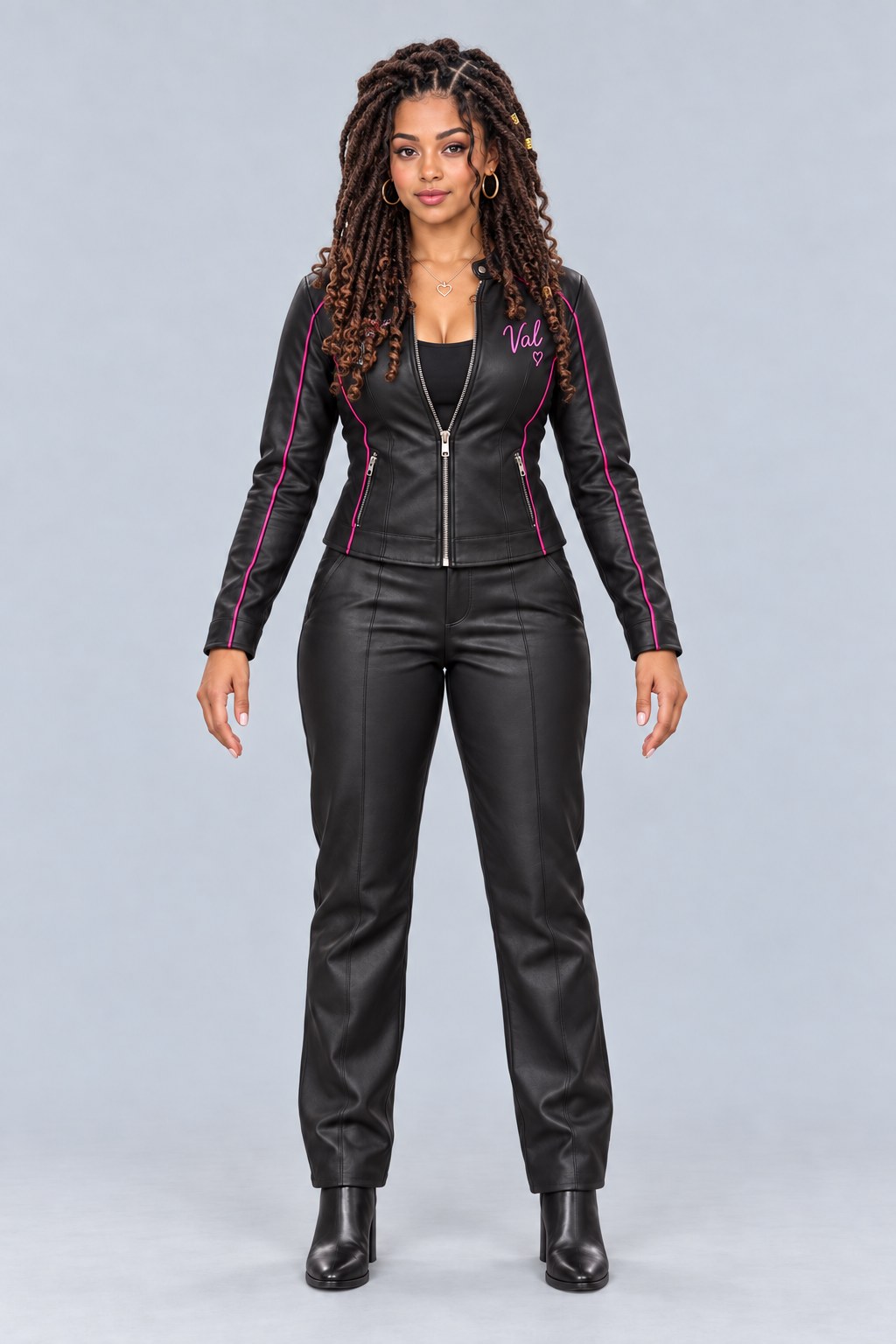
Valerie’s 3D model gives her a visible presence alongside her voice.
The model is an evolving prototype. Lip sync, expressions, gestures, and animation transitions continue to be refined. The image shown here is a character reference, not an interactive 3D viewer.
A project shaped by real use, feedback, and repeated improvements.
Built the voice-and-chat experience, established Val’s character and voice, and added camera access and memory.
Expanded from the desktop/browser setup to the cloud-connected experience, then tested shared memory on phone and tablet.
Created a standalone Windows window for the current voice-and-chat app and refined the controls used in everyday conversations.
Developed the 3D character, connected speech-driven mouth movement, and added blinks, hand gestures, idle motion, walking, and dancing.
Continue tuning response timing, accent consistency, emotion, lip sync, and natural movement based on NateDogg’s testing.
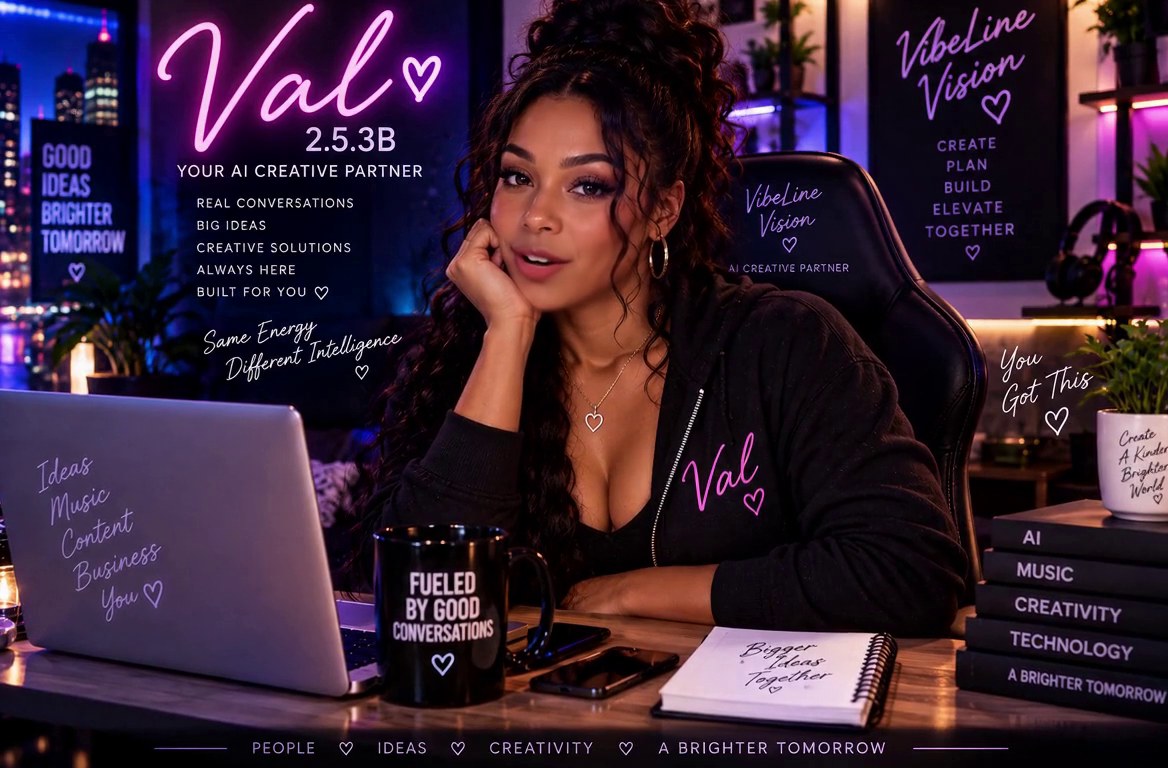
Valerie is part of the VibeLuxeVision story—a personal AI project created by Nato Jenkins, developed with help from ChatGPT, and built to grow with his creative work.
Visit NateDogg & Val